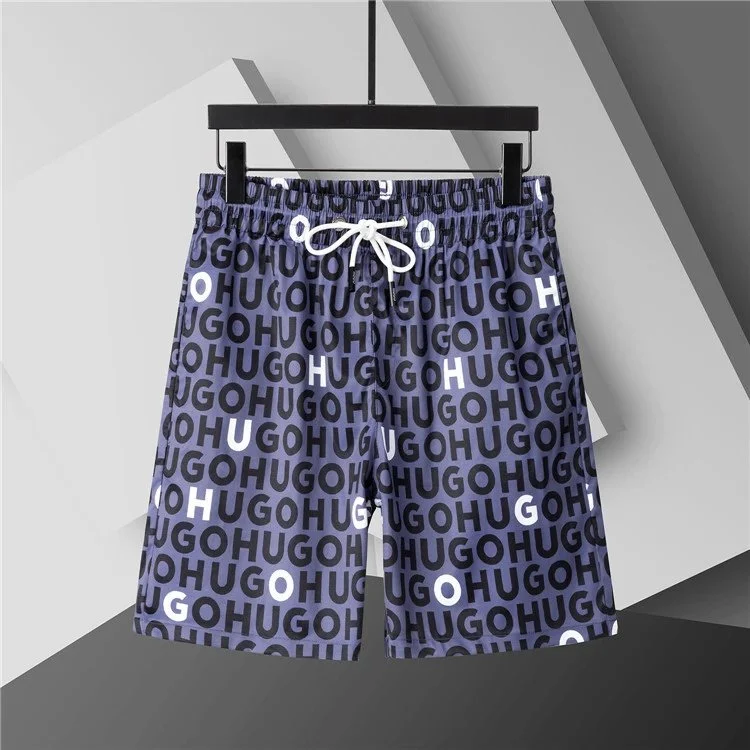
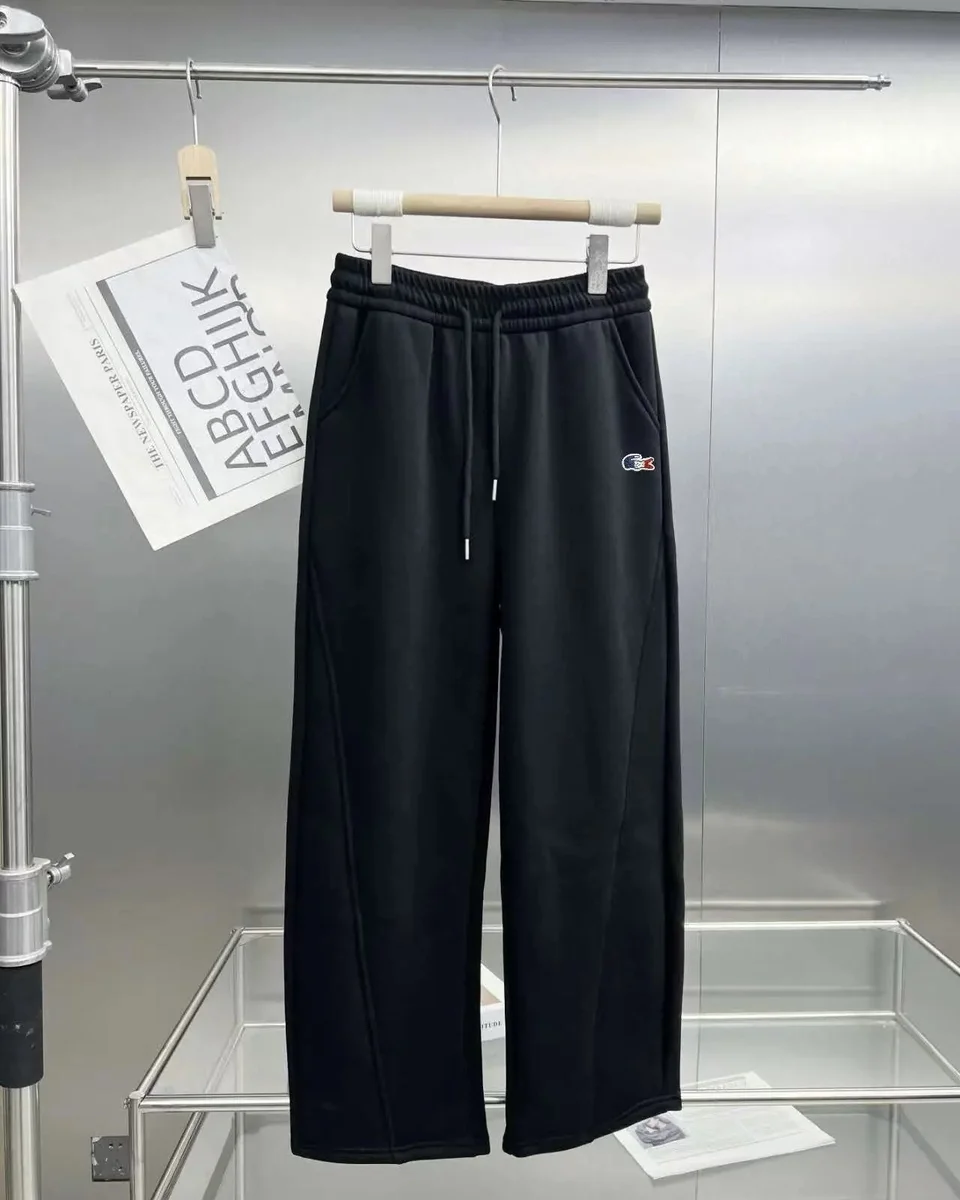
MyCNBox Spreadsheet - Pants & Shorts

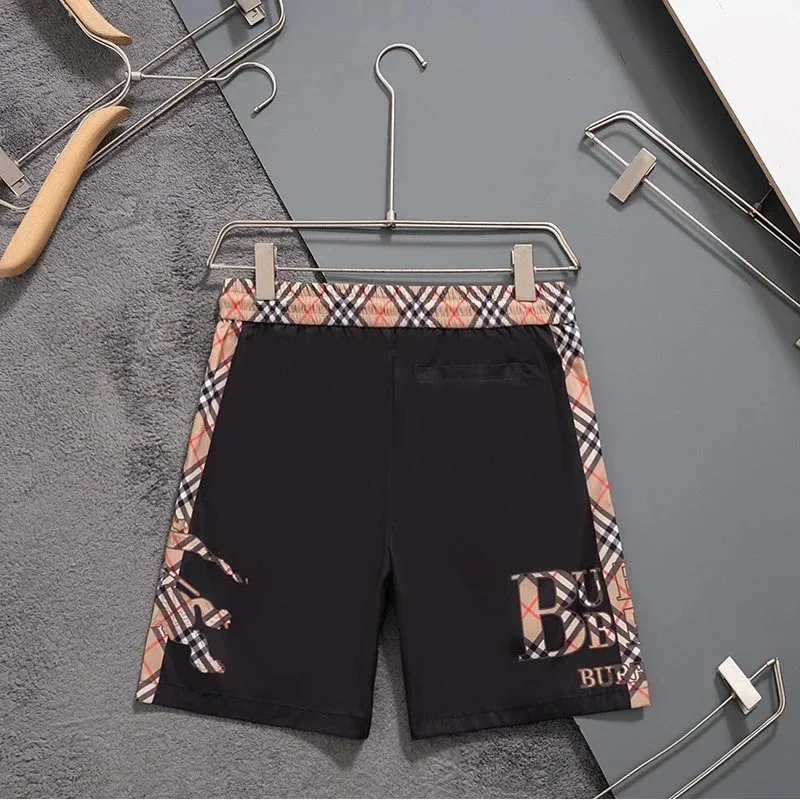
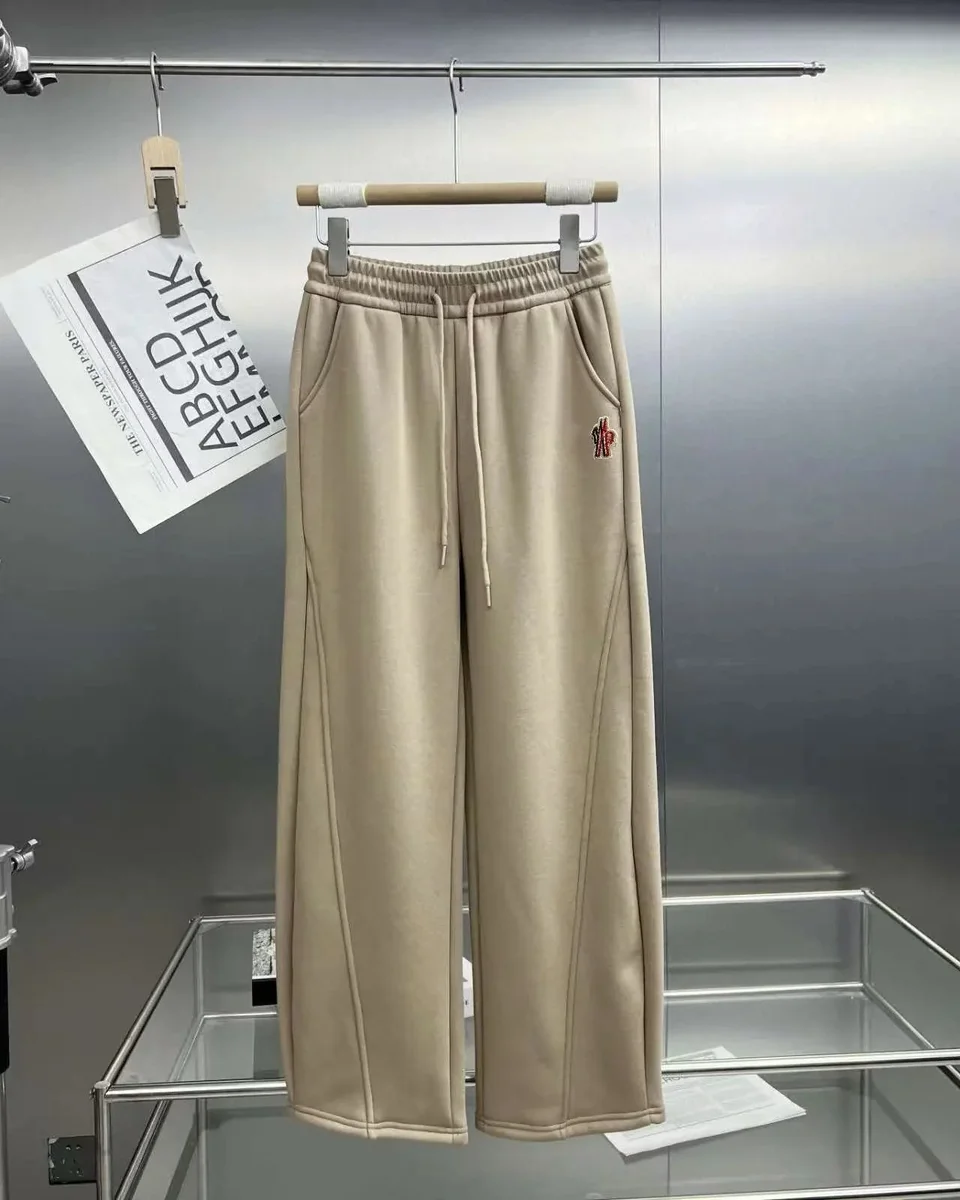
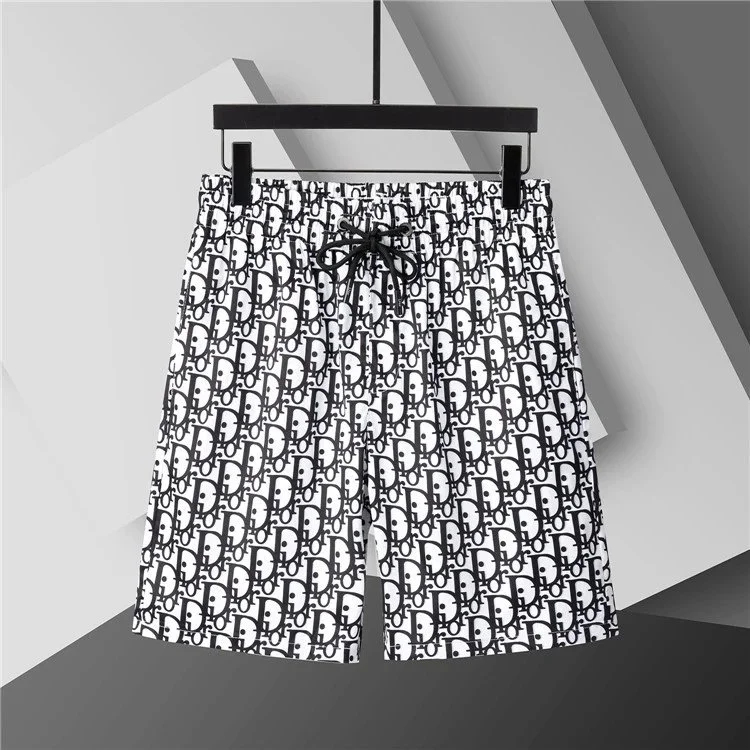
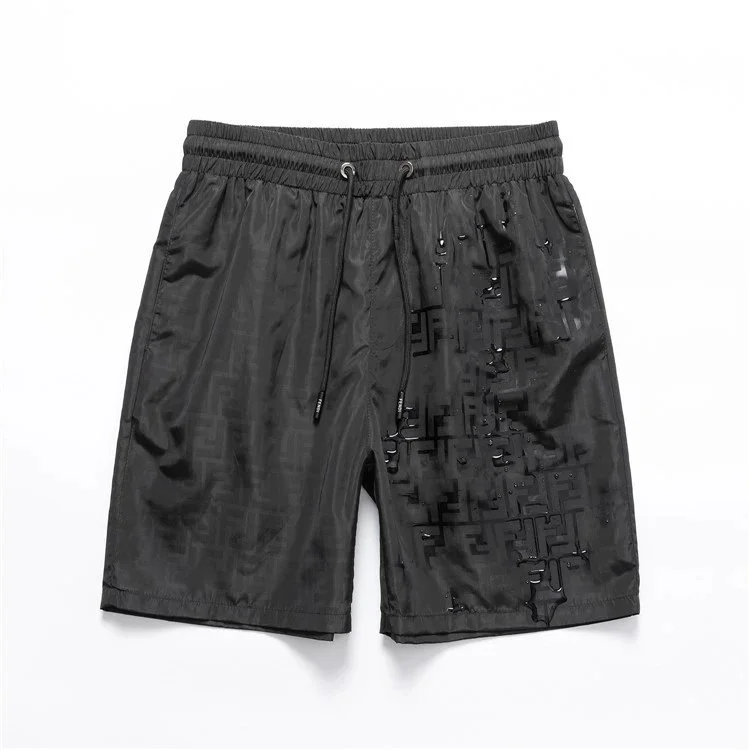
Explore pants and casual bottoms across a broad mix of brands. This edit includes trousers, joggers and shorts from the saved catalog. Compare the waist, leg shape and length first, then use the individual product page to confirm the exact style and available sizes.

01

Waist & Length

Look for both waist measurements and inseam, rather than relying on one size label.

02

Leg Shape

Compare straight, tapered and wider cuts against a pair you already own.

03

Waistband Construction

Read whether the listing uses an elastic waist, drawcord or a fixed fastening.

Keep exploring styles, brands and current product options.

Reference prices exclude shipping and fees. Check the selected variant on the current listing.
Browse more pants

A FEW USEFUL CHECKS

Pants Sizing & Fit

Waist & Inseam

Check waist and inseam separately: a suitable waistband does not tell you whether the leg length works. Compare the seller’s measurements with your own well-fitting pair, using the same measuring points and units. Use the measuring-at-home procedure to record the same endpoints on a pair you already own.

Rise & Leg Measurements

When supplied, compare front rise, thigh width and leg opening in addition to the waist. These details help you compare two cuts more clearly. For shorts, check the listed length and opening instead of assuming they will sit at the same point on your leg.

Variant, Fabric & Price

Open the product page and choose the correct length, size and color. Read the fabric and care details before deciding. If the listing omits a measurement that matters to you, ask for it before ordering rather than guessing from a photo. Check the return eligibility and costs before committing to an uncertain size.